
User help center
Understand how Privy works, learn best practices for securing your account, and have your questions answered.

What is Privy?
Privy provides secure, scalable onboarding and wallet infrastructure for leading applications built on crypto rails. 1500+ developers and businesses, including Klarna and Hyperliquid, use Privy to power over 120 million accounts and process billions of dollars in volume every month. Privy was acquired by Stripe in 2025 and continues to operate independently, helping developers build the next generation of onchain products.
How does Privy work?
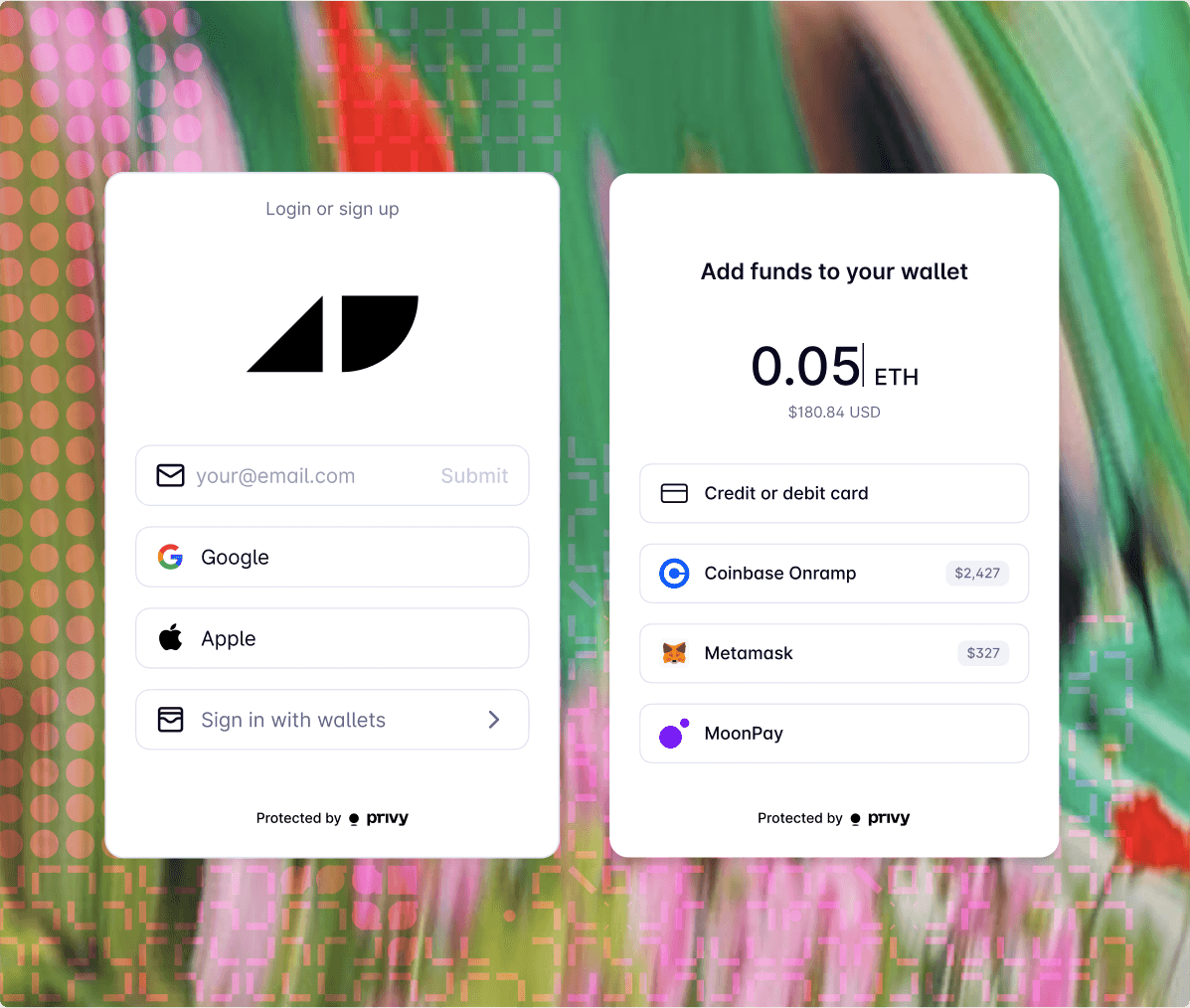
Privy lets developers easily provision user accounts for all users, whether they know about crypto or not. This means letting users connect with their existing wallet (MetaMask, Coinbase Wallet, etc.) if they already have one, and provisioning an embedded wallet for those who do not. Wallets allow users to receive assets, sign messages, and transact on the blockchain. Embedded wallets let users do this without any of the traditional complexity associated with securing your own cryptographic keys.
I've lost access to my log-in method
If you've lost access to your primary log-in method (e.g., email, phone number, Apple OAuth, etc.), Privy is unable to recover your account or manually update/add primary log-in methods. The system is designed such that only you, the end user, can access and make changes to your primary authentication methods. However, if you've enabled multi-factor authentication (MFA) (e.g., TOTP or passkey) on your Privy wallet and have lost access to that MFA method, please reach out to support team for the app you're using.
How can I view all of my Privy wallets?
You can view all of your Privy wallets on Privy Home (beta), the hub for end users like you! Create an account on Privy Home Link your authentication methods You'll see all connected apps/wallets! Note: Export via Privy Home is under development. There is no timeline for release.
I believe my Privy wallet has been compromised
If you believe your Privy wallet has been compromised, do the following immediately: Secure all of your linked authentication methods (change your email password, Google OAuth password) Reach out to us at [email protected] with the following details: Your linked authentication methods Wallet address(es) When you exported your private key (if applicable) If you have MFA enabled, and what method (passkey or TOTP) The name of the Privy-powered apps that you use
I sent my funds on the wrong chain or to the wrong address
Privy can't assist with recovering funds, because the system is designed such that only the wallet owner can control their assets. However, you may reach out to the support team of the app you're using, who may be able to provide a method of exporting your wallet.
My wallet address or transaction has been flagged as high risk
The high-risk flag on your address is applied by the app you're using. Please reach out to the support team of the app you're using.
Can I export my Privy wallet?
This depends on how the app you’re using implemented Privy. Some apps allow you to: Export your private key Connect external wallets Move to a different wallet provider Please reach out to the support team of the app you're using to see which, if any, methods are available to you.
I'm not receiving one-time password (OTP) emails
Check your email address for typos (e.g., extra spaces, wrong domain (gmial.com instead of gmail.com, missing letters) Try on a different browser and device. Disable all VPNs and browser extensions Add [email protected] to your Allow List, Safe Sender List, and Contact List Search “from:[email protected]” in: Spam/Junk inboxes Promotions / Updates tabs (Gmail) Bulk Mail / Clutter folders (Outlook) Corporate emails: Contact your IT department to allow list [email protected] and check quarantine Group / shared emails: Ensure your inbox is set-up to allow emails from external email addresses Still not receiving emails after doing the above? Reach out to us at [email protected] with the following: Date, time, and time zone you requested the code Browser and device Email inbox provider (Google, Outlook, Yahoo, etc.) Is this a group/shared email? (e.g., Google Workspace)
How Privy secures your account.
Proactive security
We use resource isolation and cryptographic architecture designed to prevent Privy or our its developers from ever touching your keys. Learn more
Active monitoring
Privy systems are instrumented for active monitoring. This means automated alerts triggered by unexpected or abnormal activity and 24/7 on-call security.
Battle-tested infrastructure
Privy uses a multi-layered security approach, with extensive audits and robust infrastructure failsafes, to protect your account.
Progressive defenses
Privy systems are securely architected from the ground up. We work to secure your assets and data.
How you can further secure your account.
Enable MFA
As your account grows in value, add multi-factor authentication (MFA) with passkeys, authenticator codes, and more.
Add another login method
Add an additional authentication method in case you are locked out of your account.
Back up to cloud
Back up your account to Google Drive or Apple iCloud to recover it on new devices.

Tips for protecting yourself online
Beyond this, it’s important to stay vigilant on the web to stay safe. Here are a few best practices on the web and onchain:
Always check the domain of a website you are connecting to.
Check the email sender before clicking a button or entering information.
Never volunteer information to a given person or domain if you are not sure why they need it, or they cannot prove that they are an appropriate party to share it with.
Understand what software is running. Software can be used to eavesdrop or steal data from you.
Do not save bookmarks in your browser on behalf of someone.
Do not install extensions in your browser that you do not understand.
Never disclose private information like login codes. Privy and its customers will never ask you for any log in codes, private keys, or any other private information that can be used to impersonate you. Never input login codes, passwords, private keys into a site you do not recognize.
Always backup critical information, such as recovery passwords, in a password manager.
If you’re ever unsure, take a step back to think through things. No matter how urgent something is, actions in self-custodial systems are often irreversible. You can always reach out to [email protected] with questions at any time.